


In the old days of version control, a central code repository was the source of truth for a project.
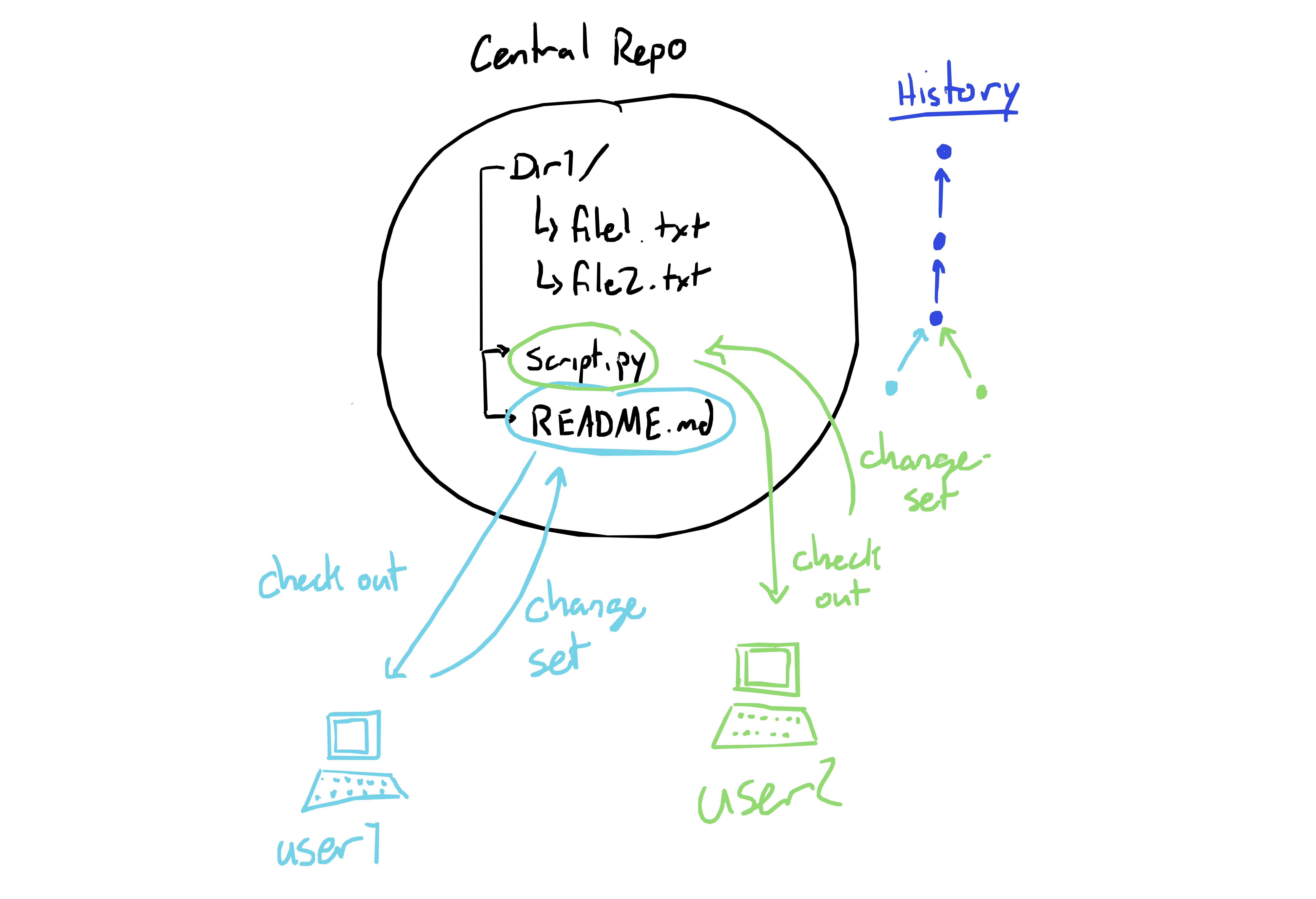
But with git the history is distributed - no copy of a repo is privileged over any other. That’s right - your github remote isn’t special.
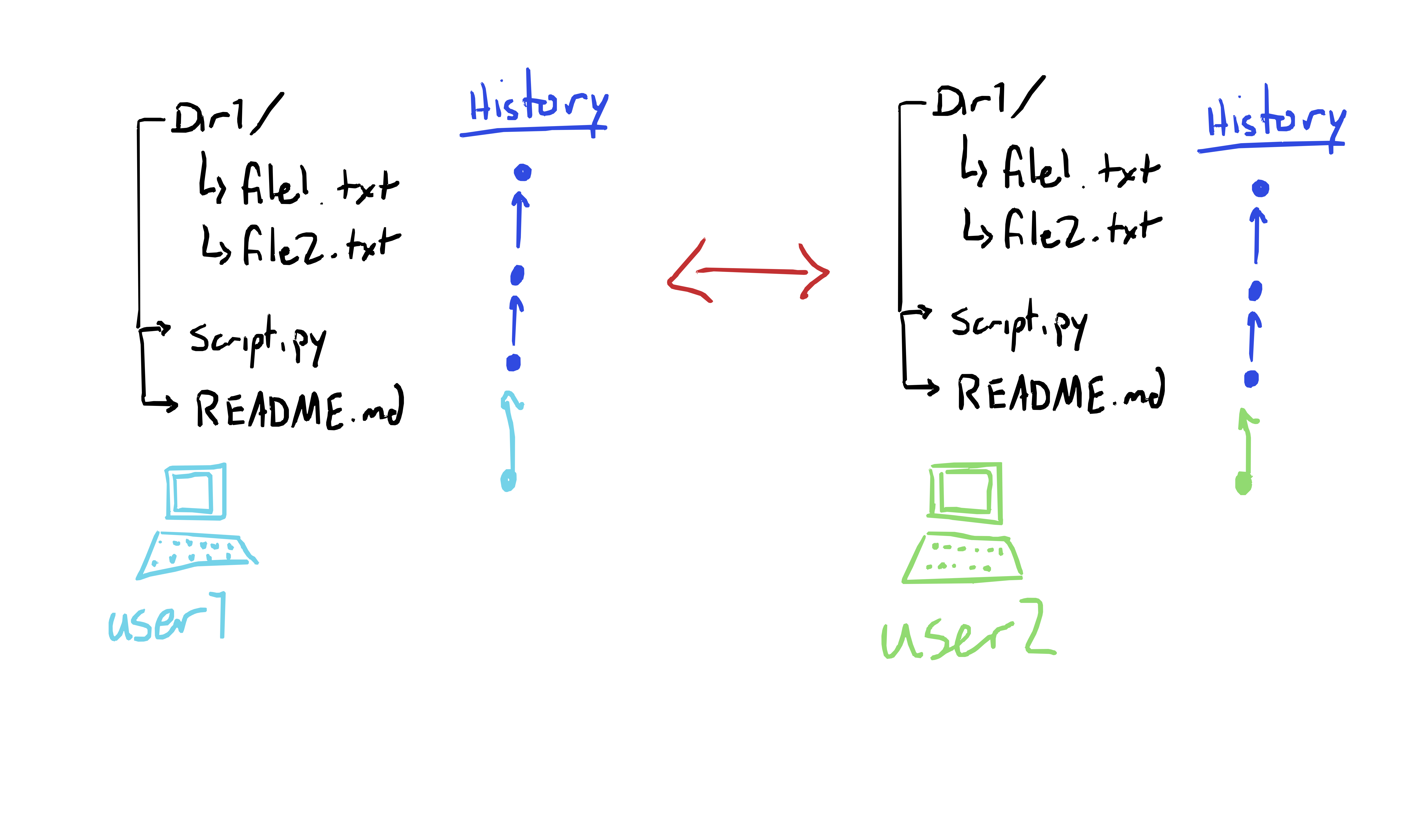
This has a lot of advantages, but one major disadvantage is the possibility of history conflicts. In the end, this isn’t actually a big deal, but it can be scary when your normal workflow of committing and pushing is disrupted. Don’t panic!
Steps to resolve history conflict
Assuming that your remote is a good source of truth:
On your local repo, get to the farthest-ahead state of the branch with a conflict. Check out a new branch from that position, call it something like
fixing. Be sure to commit all of your changes.Check out the conflicted branch again, then get it synced up with the remote - usually something like
git reset —hard origin/main.Remember, your work is saved on yourfixingbranch - it’s ok!Now, merge your other branch, eg
git merge fixinggit pushand you’re synced up!
Steps to resolve a history if your remote is borked
It’s still OK! But note that if other people have copies of the messed up remote (as is likely if this happened in the first place), they’ll all need to deal with the implications, probably using the process above.
Usually, re-writing history on the remote is discouraged for exactly this reason. Get everyone on the same page.
use
git fetchto make sure you have all of the info from the remoteCheck out your branch that’s going to be the new
main. If that branch is currently calledmain, give it a different name, eggit checkout -b new-main.Get your local
mainsynced with the remote. Then make it a new branch
git checkout main
git reset --hard origin/main
git checkout -b messed-up-main
Check out
mainagain, but now sync it withnew-main
git checkout main
git reset --hard new-main
Force-push. This is the step that re-writes history! Make sure you have the other branches synced!
git push --force


